

To temporarily silence a smoke alarm, locate and press the “silence” or “hush” button. If the alarm continues to sound, you can also try removing the battery. For hardwired alarms, you might need to turn off the breaker and then reset the system.
Detailed Step-by-Step Guide
1. Locate the Silence/Hush Button
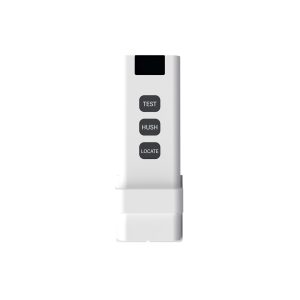
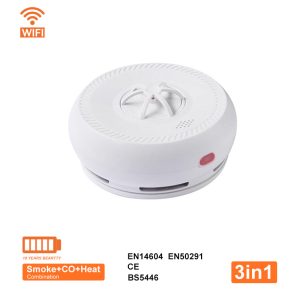
Most smoke alarms have a “silence” or “hush” button.
- This button is usually located on the front or side of the alarm.
- Pressing this button will temporarily silence the alarm, usually for a set period (e.g., 8-10 minutes).
2. Check for a Test Button
- Some alarms may have a “test” button that also functions as a silence or hush button.
- Push and hold the test button to trigger the alarm, then release it to stop the beeping.
3. If the Alarm Continues to Sound
- Remove the Battery: If the “silence” or “test” button doesn’t work, try removing the battery.
- Reset the Alarm: If the battery is not the issue, you may need to reset the alarm by pressing and holding the reset button for a few seconds.
- Check for Dust/Debris: Dust and debris can also cause false alarms. Clean the alarm with a crevice tool on a vacuum or compressed air.
4. For Hardwired Alarms
- Turn off the Breaker: If you have a hardwired smoke alarm, you may need to turn off the breaker for the smoke alarm circuit.
- Disconnect and Reset: You may need to disconnect the alarm from the wiring and reset it by pressing and holding the test button.







Leave A Comment